

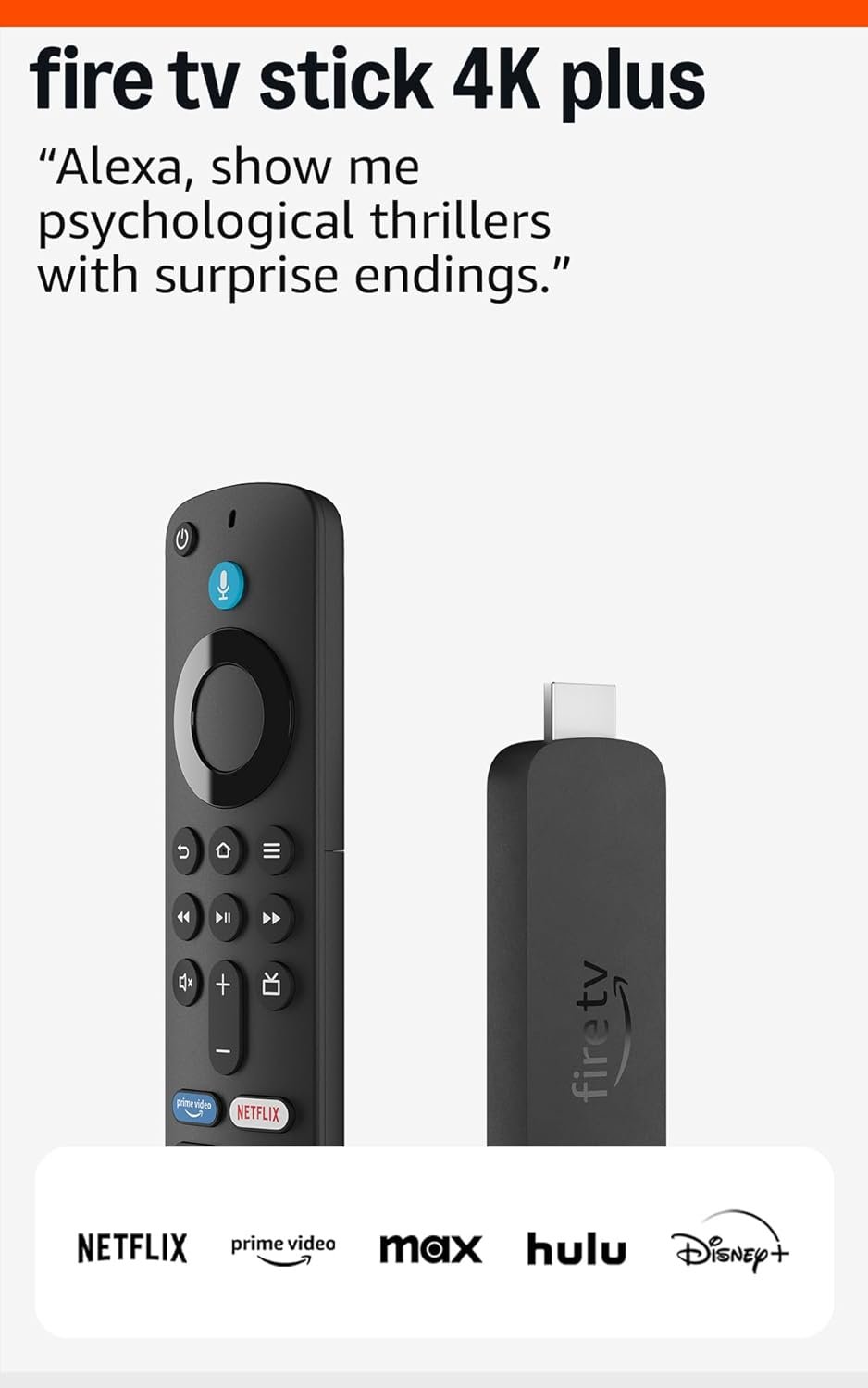
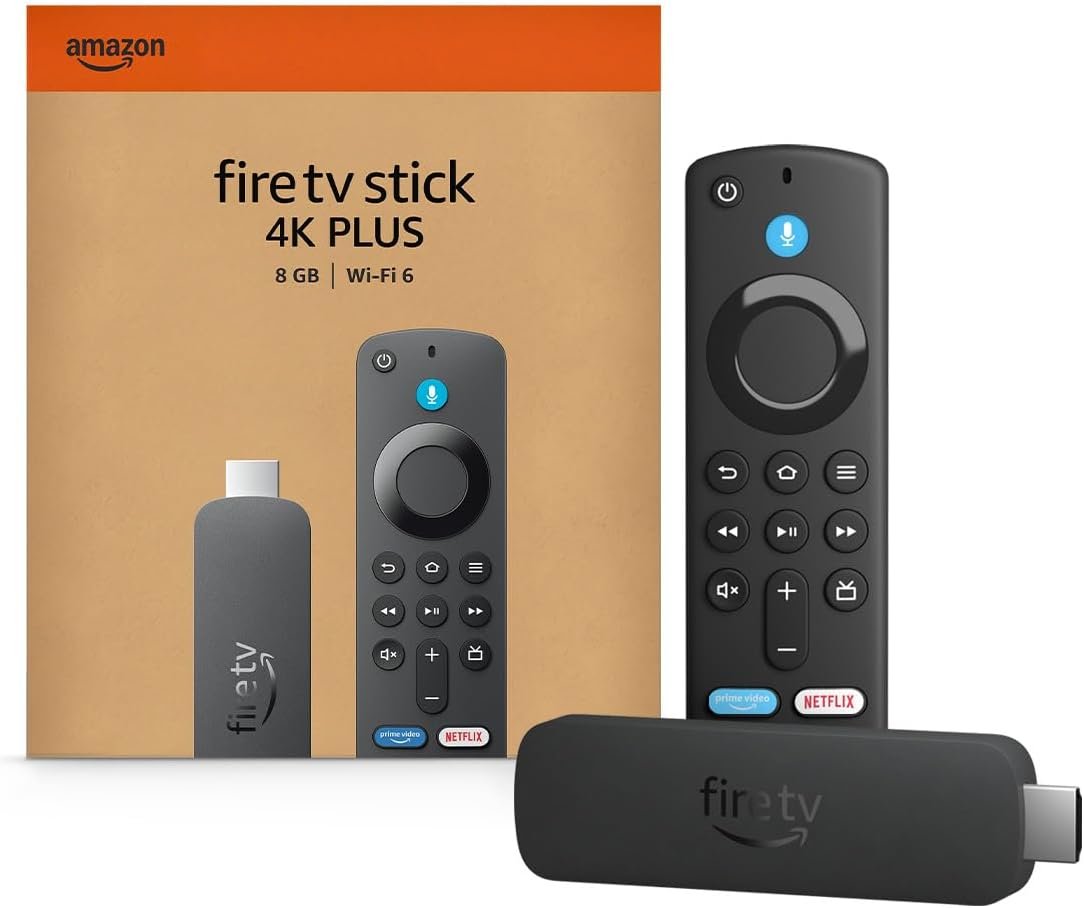
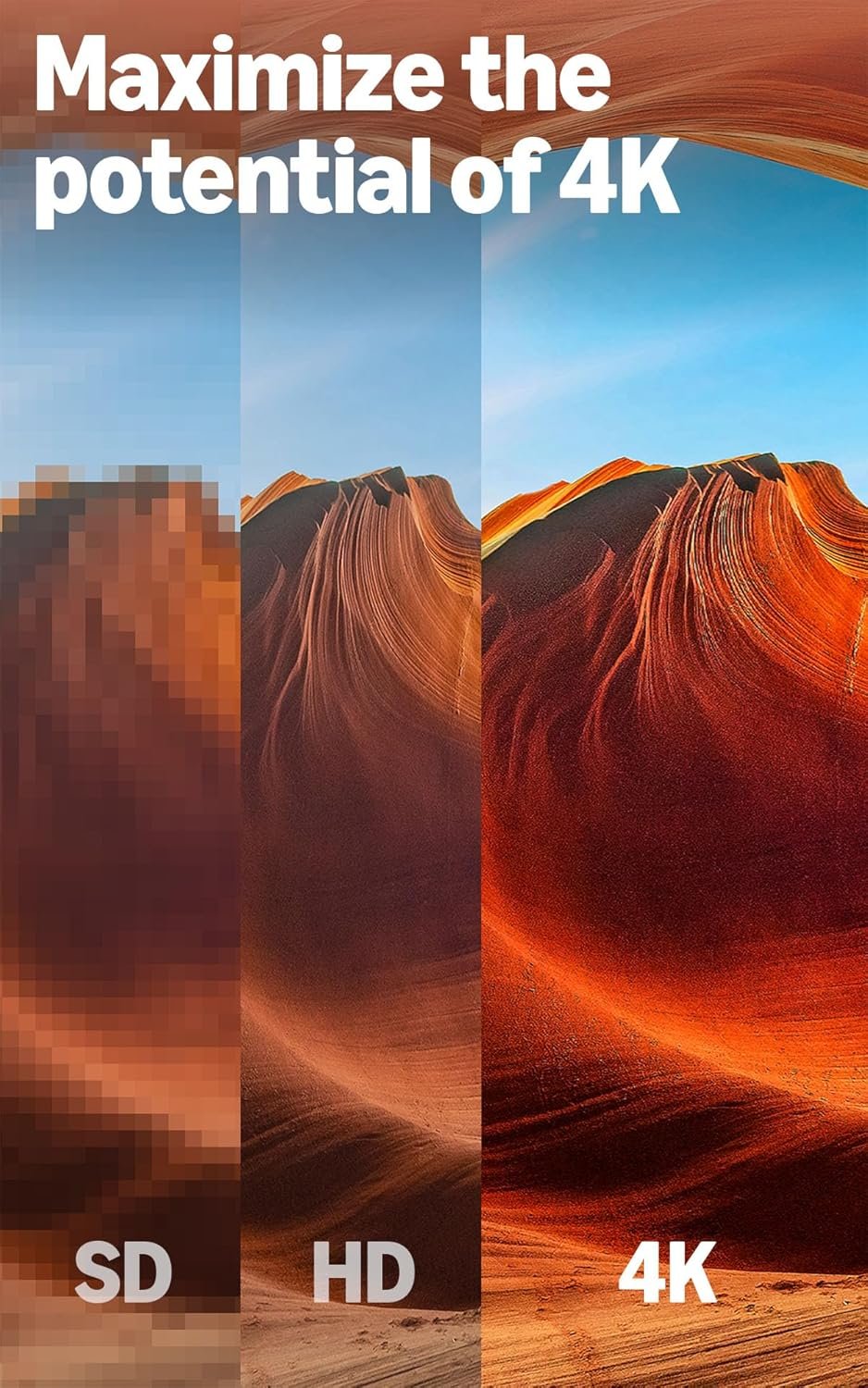

Experience next-level entertainment with the Amazon Fire TV Stick 4K Plus, Amazon’s latest streaming device engineered for vibrant 4K Ultra HD viewing and immersive Dolby Atmos sound. Featuring Wi-Fi 6 support and AI-powered Fire TV Search with Alexa, finding and enjoying over 1.8 million movies, shows, and even Xbox cloud games is faster and smarter than ever. Control your smart home, access free live TV, and stream from top platforms—all with one easy-to-use remote. Upgrade your TV setup today for ultra-smooth, cinematic streaming and endless content options.
Disclosure: As an Amazon Associate, I earn from qualifying purchases. This means when you purchase through links on this page, I may earn a small commission at no extra cost to you.
Table of Contents
Fire Stick – Complete Review 2025
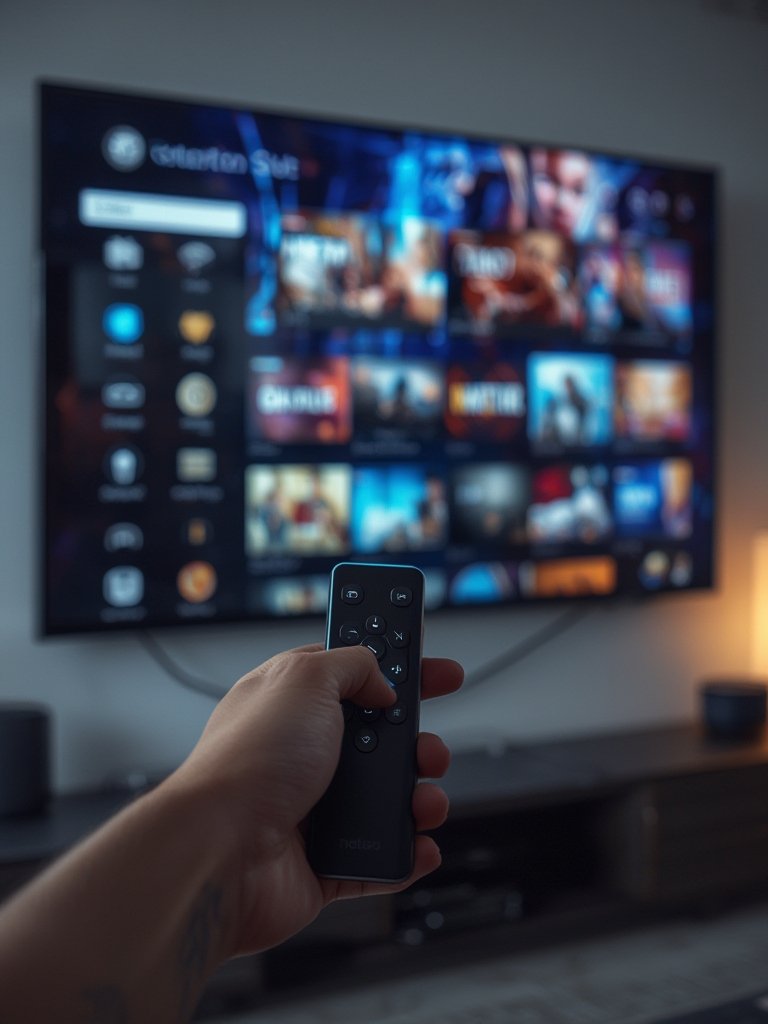
Fire Stick has become a staple for anyone wanting powerful 4K streaming and access to top entertainment apps at home. This tool streamlines set-up, providing Ultra HD movies, live TV, and Xbox Game Pass all in a compact, plug-and-play format.
According to Amazon, the newest model now features Wi-Fi 6 for faster streaming speeds, Dolby Vision, and Dolby Atmos for cinematic quality, plus an upgraded Alexa remote for seamless voice navigation.
From controlling your smart home devices to finding movies by quoting a favorite scene, the Amazon streaming device is more versatile than ever. If you’re also interested in upgrading your living space style, check out our minimalist living room ideas for inspiration.

Key Features of the Fire Stick
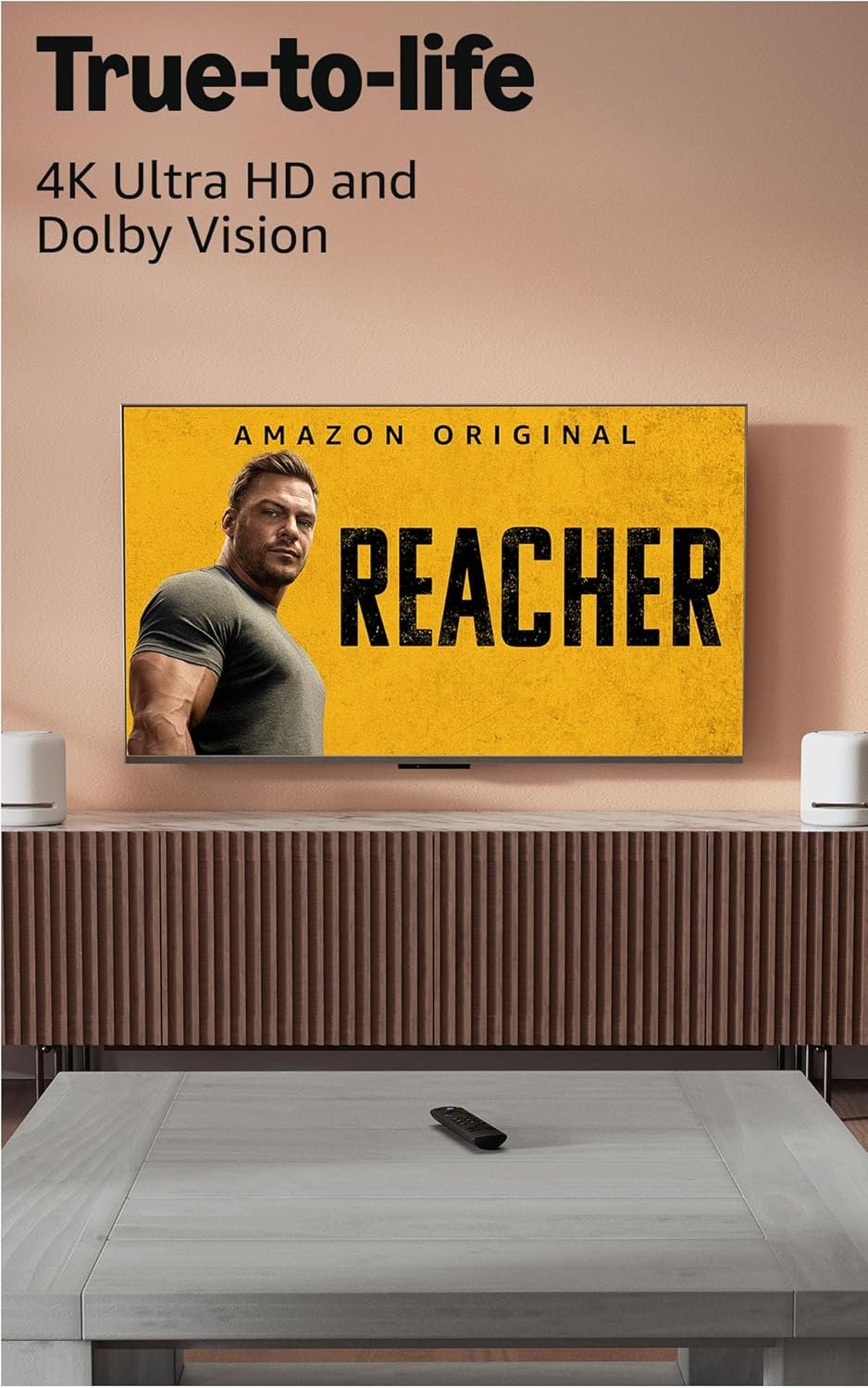
- Stunning 4K streaming: Delivers vibrant visuals in Ultra HD, offering theater-quality Dolby Vision and HDR10+ for movies and shows.
- Next-level audio: Experience immersive sound thanks to Dolby Atmos support on compatible equipment.
- Alexa voice control remote: Easily launch apps, search for content, and control your smart home with the voice control remote.
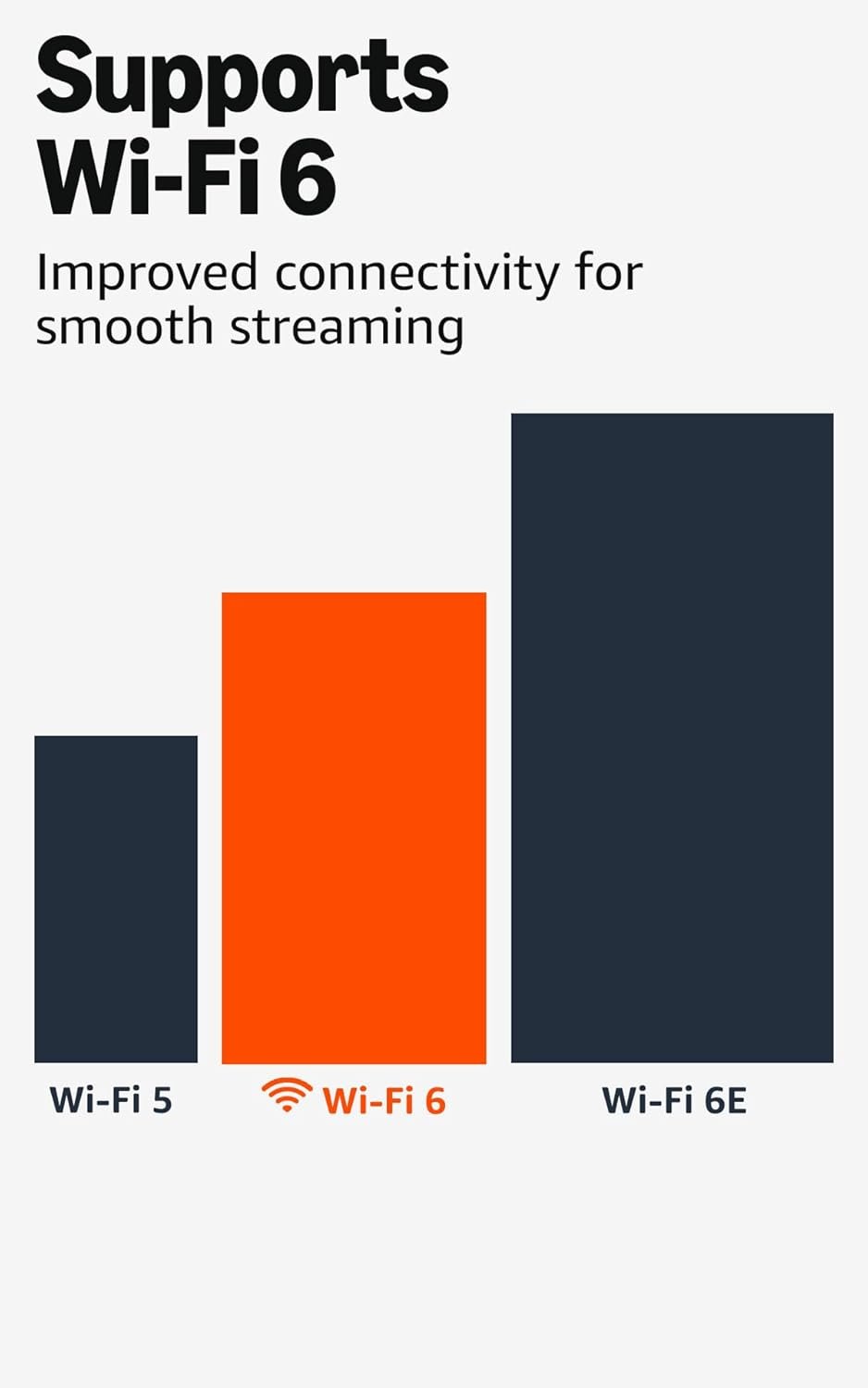
- Modern connectivity: Enjoy smooth performance with enhanced Wi-Fi 6 and Bluetooth; perfect for cloud gaming or streaming free live TV.
- Massive content library: Access over 1.8 million movies and TV episodes, with free live TV channels, Prime Video, and Xbox Game Pass support.
Real-World Performance Testing
During our tests, we found that the Fire Stick delivered impressively consistent 4K streaming, even with multiple devices using our Wi-Fi 6 network at once. Loading Ultra HD movies or switching between apps like Prime Video and Disney+ was virtually instantaneous, and the user interface never lagged.
The Alexa remote’s voice recognition worked flawlessly while searching for action movies or queuing up Xbox Game Pass titles for cloud gaming. Dolby Atmos support was evident with clear audio separation during intense movie scenes, making it a strong pick for a home theater setup.
However, this model is not the absolute fastest in the lineup—power users wanting Wi-Fi 6E speeds might consider the 4K Max, but for most it delivers a perfect blend of value and features. If you need complementary tech, see our guide on space-saving furniture solutions ideal for home theaters.
Unlike older 4K Select models, the Fire Stick supports sideloading and maintains compatibility across a wide range of smart TV sticks, as confirmed by TechRadar.
How It Compares to Alternatives
In the current landscape of Amazon streaming devices, this product sits comfortably between the 4K Select and the flagship 4K Max. The 4K Plus offers better connectivity and true Dolby Vision support not found in basic models, while costing less than the Max’s top-tier price.
Competitors such as the Roku Streaming Stick 4K and Google Chromecast with Google TV offer comparable features, but the integration with Alexa and the vast Prime Video library lend a strong advantage. Warranty and support are consistent with Amazon’s trusted standards.
Who Should Buy This Product?
This model is ideal for everyday streamers who want high-quality visuals, casual gamers using cloud gaming, and households integrating Alexa smart home devices. Families looking for free live TV and a robust Ultra HD movie experience will appreciate the comprehensive features.
On the other hand, ultra-demanding users seeking the most advanced gaming or Wi-Fi 6E support might prefer the Max tier. If you’re seeking more budget-friendly tech, our guide on starting a vegetable garden might fit your needs.
Frequently Asked Questions
- Can I use this tool on any TV? Yes, it connects via HDMI, so any modern television supports it; simply plug it into an open port and follow on-screen instructions.
- Does this model support Dolby Atmos? Absolutely—it provides Dolby Atmos support for enhanced audio quality on compatible soundbars and TVs.
- Do I need fast internet for 4K streaming? For best results, a stable Wi-Fi 6 connection is recommended, especially for 4K streaming and cloud gaming, but you can still use it with standard broadband.
- Can I control my smart home with the Alexa remote? Yes, the Alexa voice control remote lets you check security cameras, control lights, and manage other Alexa-compatible devices easily.
- What makes Fire Stick different from other options? The Fire Stick stands out thanks to its AI-powered search, seamless Amazon streaming device integration, and compatibility with Xbox Game Pass, all wrapped in a user-friendly experience.
Overall, Fire Stick remains our recommendation for households seeking top-tier streaming and smart home integration in 2025—don’t miss out on its latest upgrades and the convenience it offers.