



Smart home integration 2026 is fundamentally changing how we live, automate, and manage energy in our homes. With nearly all age groups adopting smart devices and new standards like Matter improving compatibility, understanding this shift is critical for any homeowner or renter looking to invest or upgrade wisely. But it’s not all simple—fragmentation, installation confusion, and design tradeoffs are still very real. This practical guide covers exactly what you need to know, how to get started, and mistakes to avoid for seamless smart home integration in the year ahead.
Key Takeaways
- Over 84% of US households now own at least one smart device—adoption is mainstream, but interoperability and design are still evolving rapidly.
- Energy management and automation are the main drivers for 2026 smart home upgrades, but users still face pain points with device compatibility and technical hiccups.
- Knowing your integration options, budgeting properly, and planning for future-proofing are essential for a satisfying, functional smart home experience in 2026.
- 1. The Core Concept: What Is Smart Home Integration in 2026?
- 2. Step-by-Step Guide: How to Plan Your 2026 Smart Home Integration
- 3. Advanced Analysis & Common Pitfalls
- 4. Conclusion
- 5. FAQ
The Core Concept: What Is Smart Home Integration in 2026?
Smart home integration in 2026 means connecting your devices, appliances, lighting, security, energy management, and even furniture into a seamless, unified ecosystem. This approach lets you automate daily routines, cut wasted energy, and manage your home from anywhere, all while keeping everyday technology quietly in the background—never interrupting your home’s design or comfort.

Adoption rates exploded in the last three years: 84% of US households now have a smart device, with Gen Z and Millennials nearing full adoption.
But today’s “integrated” smart homes are more than just a smart speaker by the sofa. The 2026 trend is toward multiplying devices (up to 15-20 per home on average) and bringing them together behind one interface—no matter your brand or budget. Tech giants and new protocols like Matter promise easier compatibility, addressing years of consumer frustration over gadgets that wouldn’t talk to each other.
Energy management and security have become central concerns, with 47% of homeowners upgrading for energy savings and 28% citing security as a top priority.
But the 2026 vision isn’t quite plug-and-play. Homeowners still face challenges: device compatibility gaps, technical glitches, and confusion over what’s actually worth buying. The “wow” factor of smart homes is real, but so are the quirks.
Are you also interested in making other smart improvements for your space? Check out our guide to space-saving furniture ideas for small apartments that pair seamlessly with today’s smartest devices.
Step-by-Step Guide: How to Plan Your 2026 Smart Home Integration
Ready to upgrade your home? Here’s a direct, no-nonsense roadmap for smart home integration in 2026, whether you’re starting from scratch or extending an existing setup:
- Assess Your Current Devices and Ecosystem
List your smart TVs, speakers, thermostats, lights, and security products. Note the brands and protocols (Wi-Fi, Zigbee, Z-Wave, Thread, Matter). - Clarify Your Goals
Decide: do you want to automate mornings, save energy, monitor security, entertain, manage lighting, support accessibility, or all of these? - Choose a Central Control Platform
Options include Apple Home, Google Home, Amazon Alexa, or SmartThings. Your control platform should support Matter and offer integrations with your existing devices. - Create a Unified Network
For most homes, upgrading to a mesh Wi-Fi system ensures every room (and outdoor area) has strong, stable signal—critical for device reliability. - Select Priority Devices for Integration
Focus on areas with the highest impact: smart lighting (look for models with an 8.6% annual growth rate—industry favorite for good reason), smart thermostats, energy monitors, doorbell cameras, and speakers. - Map Out Automation Routines
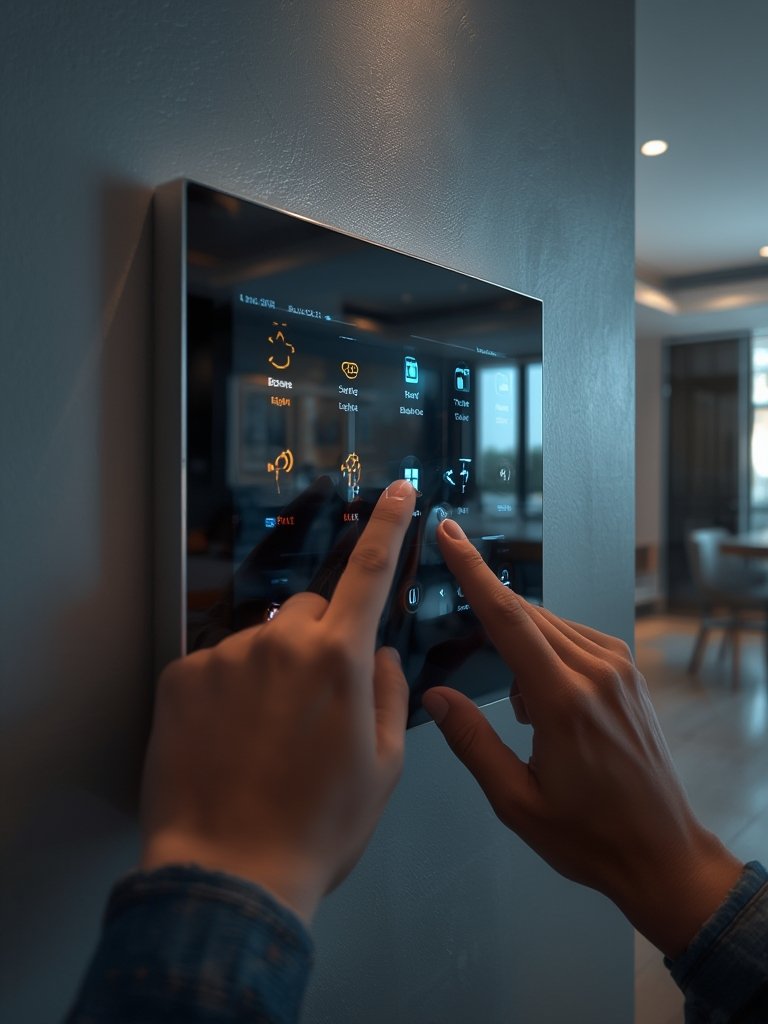
Examples: “Good Night” scenes that lock doors, adjust lighting, and set the thermostat; or “Away” routines that arm security and manage energy. - Design for Discretion and Aesthetics
Hide hubs and routers in media cabinets or behind consoles. Favor lighting with built-in connectivity, or integrate smart controls into existing wall plates. Consider warm minimalist living room design for balancing technology and style. - Test and Troubleshoot (Don’t Skip!)
Expect a few quirks: restarts, update delays, or pairing issues. Check each device’s firmware and confirm all automations work before relying on them. - Plan for Growth
Document what you installed and how it’s connected. Matter support makes future add-ons easier, but keep track so upgrades or repairs don’t unravel your setup.
Don’t forget your outdoor space! Smart irrigation, lighting, and connected landscaping controls can save water and electricity—learn more with our low-maintenance lawn care tips for a truly future-ready home.
Want to combine your integration with a cozy retreat? Explore 7 cozy bedroom ideas for ways to blend comfort and automation in your sleep sanctuary.
Advanced Analysis & Common Pitfalls
Research from multiple sources reveals that most new smart home adopters experience at least one major headache. Here’s what you need to know (and how to avoid the worst mistakes):
| Problem Area | Reported by Users (%) | What It Means for You (2026) | How to Mitigate |
|---|---|---|---|
| Device incompatibility (Ecosystem fragmentation) | 35% | Some devices/hubs won’t connect or automate together. | Buy Matter-certified devices; check brand/platform compatibility before purchase. |
| Technical glitches/bugs | 34% | Unplanned disconnects, updates, or pairing errors disrupt experience. | Update firmware; keep network strong; avoid mixing too many old/new protocols. |
| Short battery life (wireless devices) | 18% | Frequent recharging or replacing batteries for sensors/remotes. | Hardwire devices when possible; select models with battery-saving features. |
| Fragmented energy management | 80% (want unified solution) | No single app or dashboard for tracking and controlling all energy-using devices. | Choose platforms with integrated energy management or third-party dashboard compatibility. |
| Rising installation/energy costs | N/A (but 59% saw energy bills increase) | Investment doesn’t always guarantee savings if setup is piecemeal or inefficient. | Calculate total cost of ownership; focus on solutions proven to cut utility bills. |
Many homeowners left unsatisfied because their devices failed to integrate as promised. Even with 2026’s market maturity, not every “smart” feature adds value—or aesthetic harmony. And while average annual utility savings can reach $1,200 to $2,000, up-front installation costs can eat into those benefits quickly if you aren’t strategic (source).
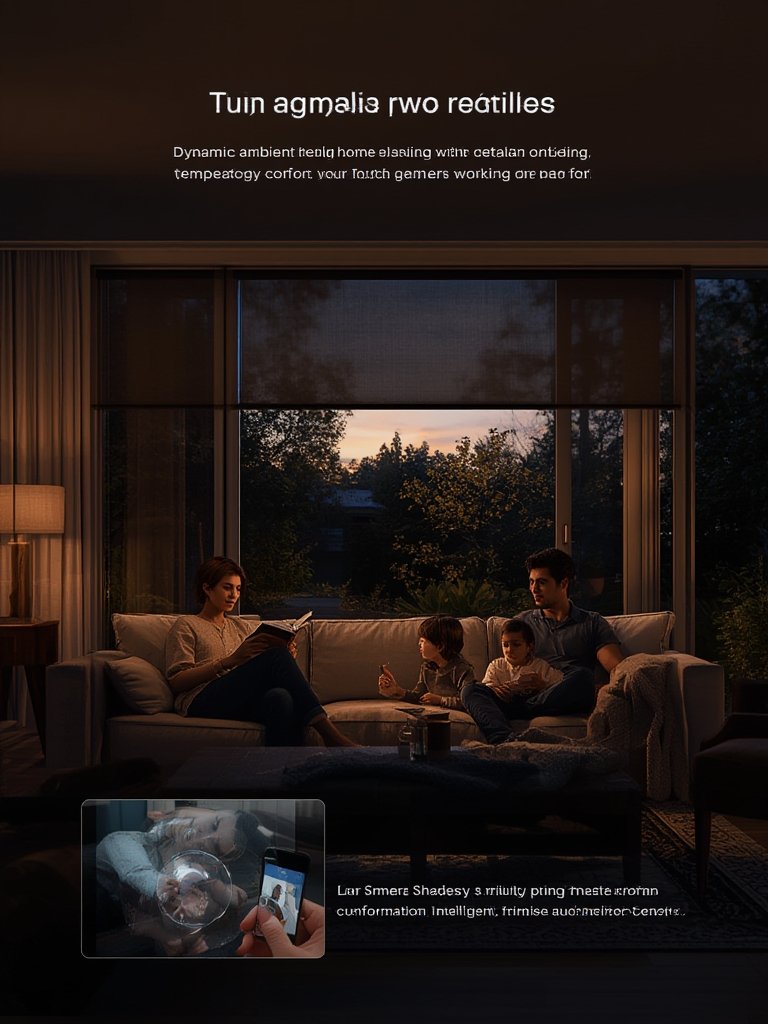
The best results? Homeowners who planned around flexible, standards-based platforms found it easier to avoid “ecosystem lock-in.” Prioritize devices that play well with others (think Matter, not siloed hubs), and weigh which automations truly improve your routines, safety, or efficiency.
If you want to further maximize both style and functionality, look to kitchen upgrades as well—our modern farmhouse kitchen ideas help blend artful design with the latest smart tech.
Conclusion
The world of smart home integration 2026 is dynamic, promising huge benefits for convenience, security, and energy management. But seamless results only come with careful planning, a focus on open standards like Matter, and a willingness to troubleshoot during setup. Start by defining what you want to automate, prioritize device compatibility, and budget for both up-front and ongoing costs.
Ready to take the first step toward a smarter, easier home? Apply these strategies today and build a smart home that truly works for you and your lifestyle.
FAQ
What is Matter and why does it matter for smart home integration in 2026?
Matter is an open-source smart home standard designed to ensure devices from different brands work together seamlessly. By 2026, Matter-certified products are becoming the market norm, easing compatibility headaches that frustrated users for years.
How much does a fully integrated smart home cost in 2026?
Costs vary widely depending on system complexity and choice of devices. While average revenue per home is about $62, homeowners can expect to spend several hundred to several thousand dollars for comprehensive setups, especially if professional installation or premium devices are involved.
How do I make my smart home look good without cluttering my space?
Opt for devices with minimalist designs, integrate controls into walls or furniture, and hide hubs in media centers. Consider connected lighting and smart plugs that blend with decor. For design inspiration, see our warm minimalist living room ideas.
Can smart home devices really save energy and money?
Yes. The majority of users with automated thermostats, lighting, and energy monitors report utility bill savings between $1,200 and $2,000 annually, provided the system is properly configured and used to its full potential.
What’s the biggest mistake to avoid with smart home integration in 2026?
The most common mistake is mixing devices that don’t share a unifying standard like Matter—leading to automation headaches, wasted money, and ongoing tech support frustration. Plan your purchases with compatibility in mind.